
Free job postings on LinkedIn: how to post a job on LinkedIn for free
A step-by-step instruction: how to publish a free job posting on LinkedIn, what its limits are (14 and 30 days) and when to turn on promotion.
» Key points in 30 seconds
- A free job posting is active for up to 14 days, without promotion it closes after 30.
- You can have only one free job posting at a time.
- The description and key skills decide who LinkedIn shows the posting to.
- Screening questions filter out unsuitable applications before the interview.
- Promotion is worth turning on for urgent and narrow positions.
Contents · 6 sections
To post a job on LinkedIn for free is the simplest way to show an open position to specialists who are looking for work or are open to offers. Paying is not required, but the free format has rules, and without them the posting quietly disappears from the results after just two weeks. Below is a step-by-step instruction: how to prepare the description, publish the posting, set up screening and when to turn on promotion.
Post a job on LinkedIn for free: what it gives you and where its limits are
A free job posting stays active for up to 14 days, after which LinkedIn pauses its display. If the posting is not promoted, it closes automatically after 30 days. You can have only one free job posting at a time, and the number of applications it accepts is limited. These rules are described in the LinkedIn help and change from time to time, so check the current terms before publishing. For a single hire into a position with a wide market of specialists this is often enough, for mass recruiting it is not.
FOUR STEPS
- 01Prepare the job description
- 02Create the free job posting
- 03Set up questions and receiving applications
- 04Decide whether you need promotion
Step 1: the job description
Before you open LinkedIn, prepare the job description. Clearly write down the duties, the requirements and the expected result of the work so that the candidate understands right away what you expect. Add key skills: LinkedIn uses them to show the posting to relevant people and to compare candidate profiles with your requirements. Briefly tell about the company, the team and the work format - remote, hybrid or office. A description agreed in advance with the future employee's manager saves weeks of unsuccessful interviews.

Step 2: publishing the posting
In the top menu of LinkedIn open the "Jobs" section and choose "Post a free job". Enter the job title, the company, the place of work and the type of employment. Write the title the way candidates search for it: "B2B Sales Manager" will be found, while "Growth Champion" will not. Choose the company from the suggestions so that the posting is tied to the company page rather than hanging as a separate text. The LinkedIn interface is updated periodically, so button names may differ slightly, but the order of actions stays the same.
Step 3: screening questions
Add questions for candidates - they filter out unsuitable applications before the interview: years of experience, language proficiency, readiness for the work format, work authorization. Choose how to receive applications: by email, on LinkedIn or through the company website. Before publishing, carefully review all the details: you can fix the title or the place of work after launch, but the first views will already go to an inaccurate version. Also check who on the team will receive notifications about new applications.
Step 4: promotion - when to pay
If you need wider reach, choose to promote the posting. A promoted posting stays active until you stop the promotion and is shown to more relevant candidates. It is worth paying when the position is urgent, when too few relevant applications came in during the first days, or when the candidate market is narrow and competitive. For a single position with a wide market of specialists, the free format is often enough. You can extend the display or close the posting at any moment.
After publishing: working with applications
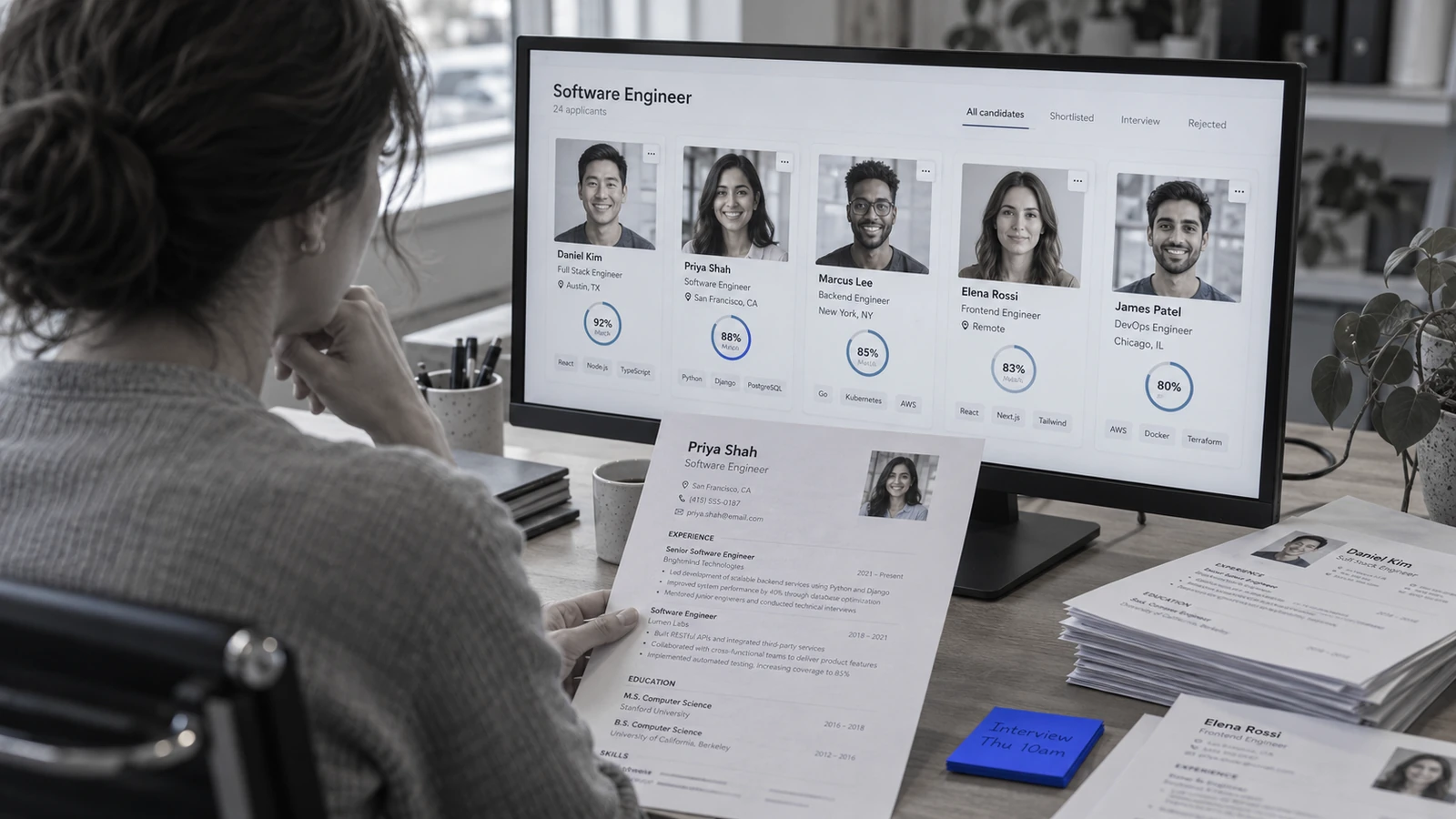
Publishing the posting is half the job. Review applications every day and reply to candidates quickly, even if the answer is "no": strong specialists rarely wait a week, and a company's silence is remembered. Answer candidates' questions and record where the best applications came from - it will show where to look next time. And to make more people see the posting, share it in your personal profile and ask your team to do the same: the reach of people is often bigger than that of the posting itself.
Whoever publishes a posting and waits gets random applications and a position paused after two weeks.Whoever prepares the description and questions and replies quickly gets candidates who know where they are going.
 Whoever publishes a posting and waits gets random applications and a position paused after two weeks.
 Whoever prepares the description and questions and replies quickly gets candidates who know where they are going.
Contents
» LINKEDIN DIRECTION
A steady flow of meetings, not a list of contacts.



New - first in the channels.
A new article or breakdown comes out here first. Pick the network that suits you.
LINKED PROMO
FOUNDER · VOLODYMYR MOSKALYUK
Comments
No comments yet. Which position are you looking for through LinkedIn right now?